Appearance
Customizer reference
Everything editable without touching code lives at Appearance → Customize. The theme adds seven sections. This doc lists every field and where it renders on the front-end.
Open the Customizer at /wp-admin/customize.php.
Site Identity (WP default)
- Logo — header, height 52px, max-width 200px
- Site icon — browser tab favicon

Dankcave · Homepage hero
The big display headline + product silhouette on home.
- Eyebrow text
- Headline (allows
<br>) - Sub-copy
- CTA label (default: "Discover collection")
- CTA URL (default:
/shop/) - Hero image (transparent PNG, 800×1200 recommended)
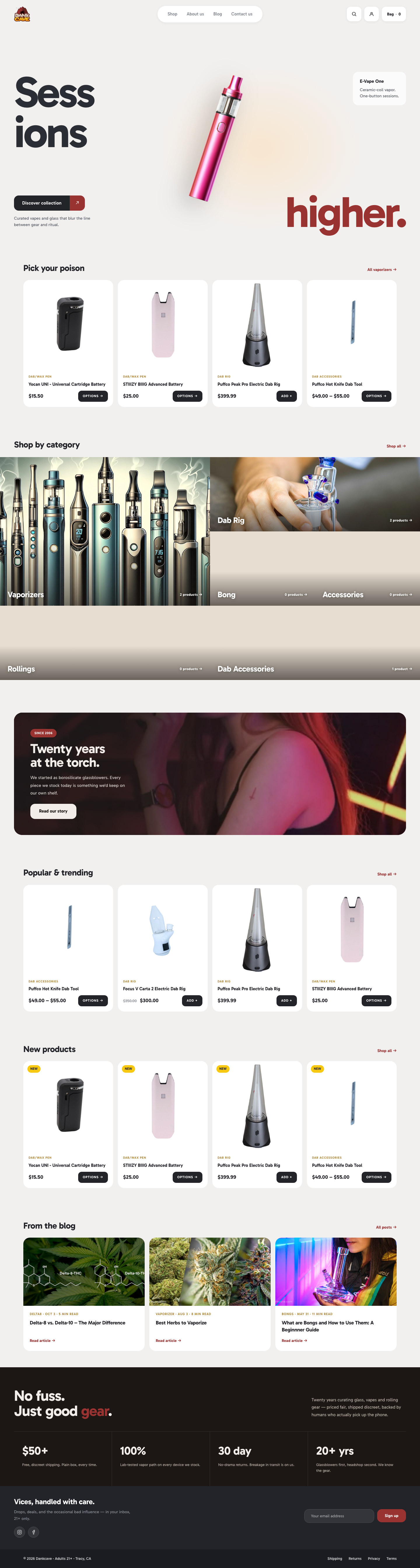
Content model note: front-page.php always renders home. A page with slug home is ignored.
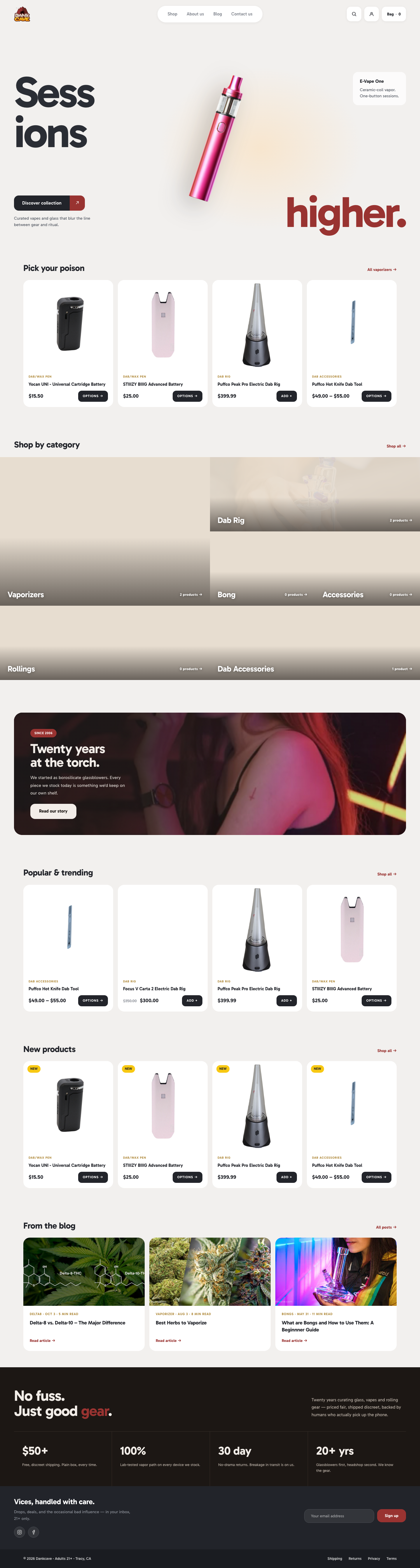
Dankcave · Shop by category
6-tile category grid on home. Each tile:
- Category name — label overlay
- Image URL — background or video poster
- Video URL — MP4/WebM URL for autoplay loop
- Link URL — where the tile clicks through
- Product count — text next to the arrow
Gotcha: hosting video from Media Library eats bandwidth. Prefer CDN-hosted MP4s, under 5 MB.
Dankcave · Editorial band
The dark "Twenty years at the torch" campaign band.
- Video URL
- Eyebrow / Headline / Sub-copy
- CTA label / URL
Dankcave · Newsletter band
- Newsletter shortcode (default:
[mc4wp_form id="15658"])

Dankcave · Maintenance mode
See Maintenance mode for the full walkthrough.
- Active — On / Off
- Eyebrow / Heading / Sub-copy
- Meta row 1 / 2 (label + value)
- Support email
- MC4WP form ID
Dankcave · Social links
Icons in the newsletter band footer.
- Instagram URL
- Facebook URL
- TikTok URL (optional)
- Twitter/X URL (optional)
Dankcave · Footer
- Copyright text (auto-updates year if blank)

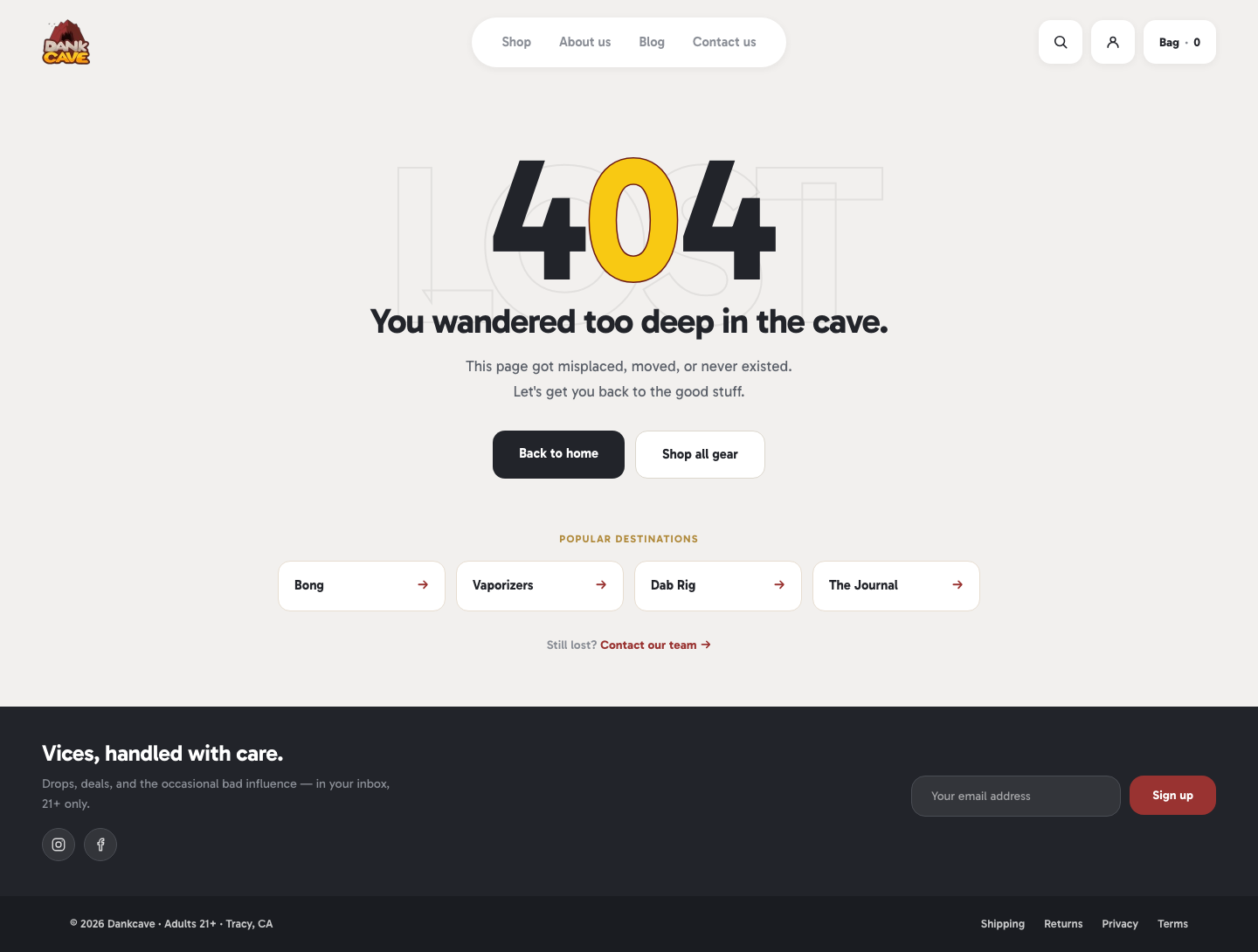
Dankcave · 404 page
- Category slugs — comma-separated list of
product_catslugs to feature on the 404 page
Storage
All fields save to wp_options.theme_mods_dankcave as a single serialized array. Migrate this option key when moving between environments.