Appearance
Interactive features
Every customer-facing overlay, drawer, and modal the theme ships.
Header
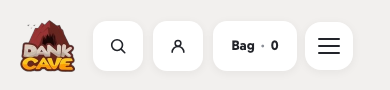
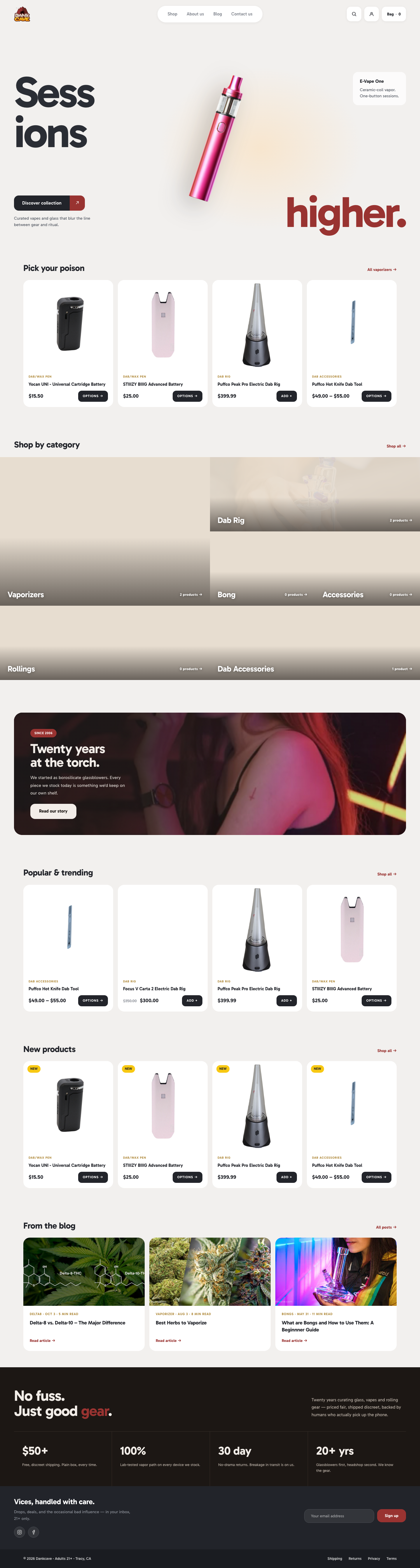
template-parts/header/site-header.php — CSS Grid layout (1fr auto 1fr): logo left, nav centered, actions right.
Actions cluster (right side): three pill buttons in a row —
- Search → opens the search modal
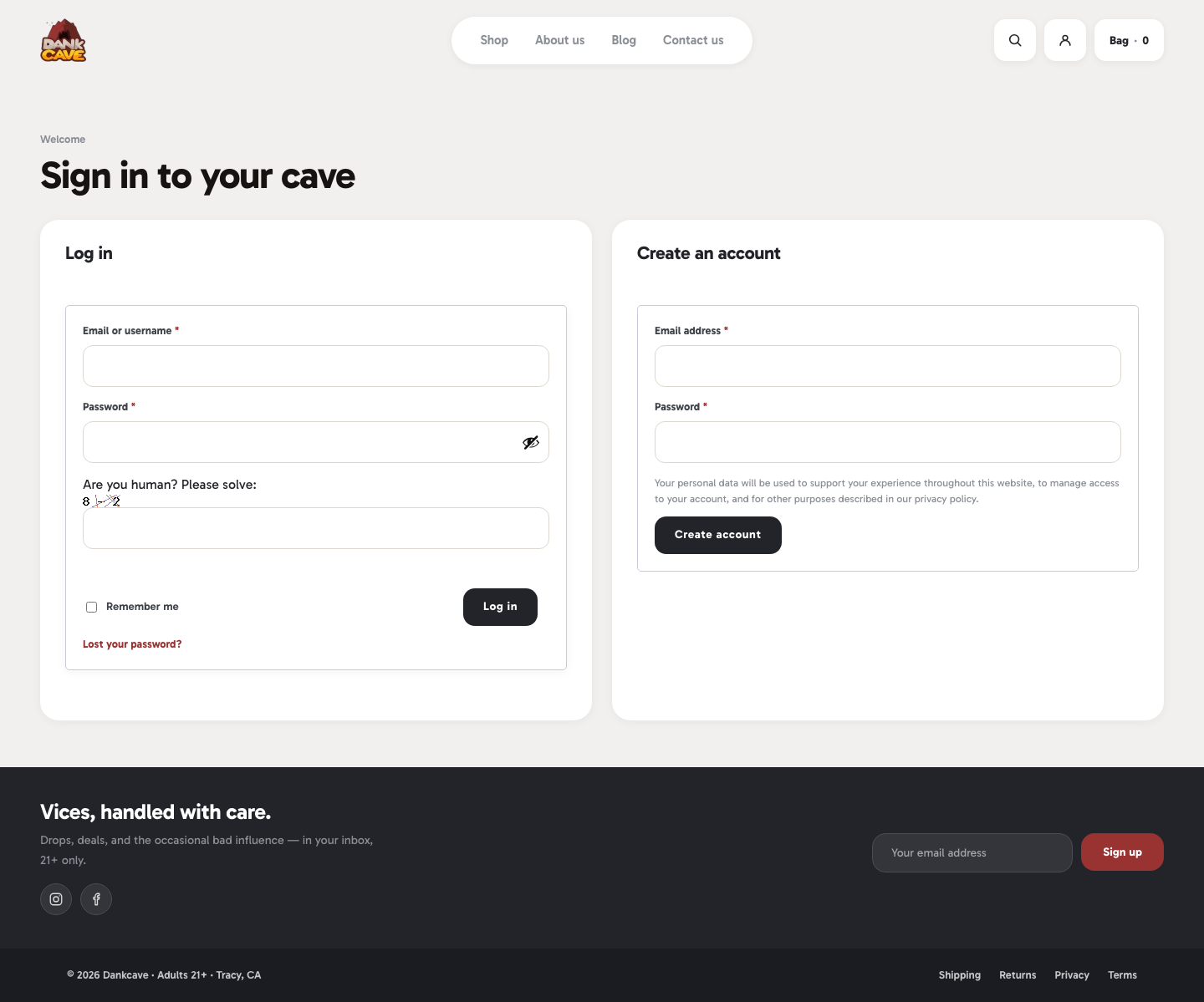
- Account →
/my-account/(WC redirects guests to sign-in) - Cart → opens the cart drawer, badge shows count


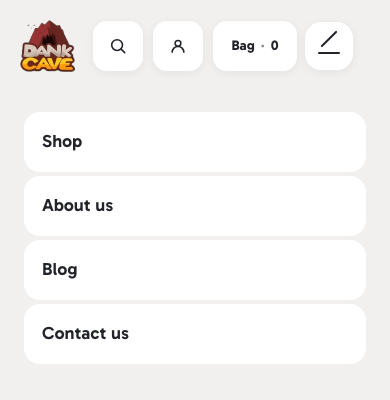
Mobile — nav collapses into a hamburger toggle that slides down an accordion menu.
Footer
Two rows:
- Newsletter band — "Vices, handled with care." + subcopy + MC4WP form + social icons
- Legal bar — copyright + Shipping / Returns / Privacy / Terms links


Age gate (21+)
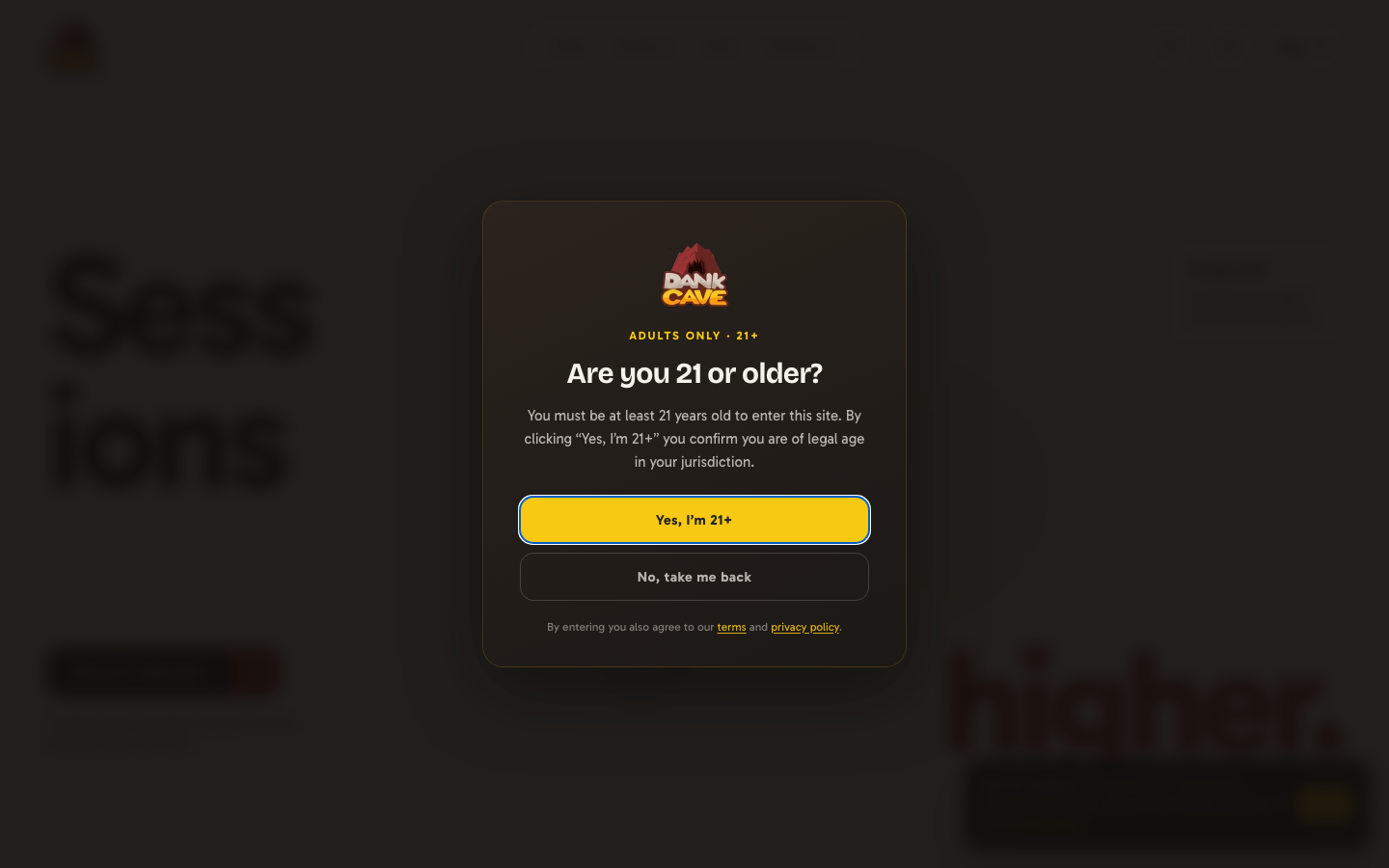
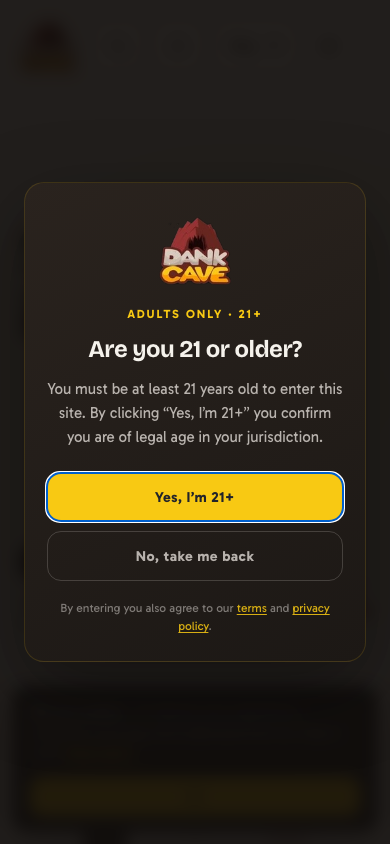
inc/age-gate.php — full-screen modal shown to first-time visitors. Cookie dc_age_confirmed (30-day life) suppresses the gate once accepted. Bots pass through so SEO isn't affected.
Actions:
- Yes, I'm 21+ — sets cookie, dismisses (Enter key also accepts)
- No, take me back — redirects to
document.referrerif off-site, otherwisegoogle.com(Escape also declines)
Programmatic override: add_filter( 'dankcave_age_gate_show', '__return_false' ) to disable.
Cookie consent banner
inc/cookie-consent.php — bottom-right toast shown after the age gate. Cookie dc_cookie_ok (180-day life). Never shown on /privacy-policy/.

Programmatic override: add_filter( 'dankcave_cookie_consent_show', '__return_false' ) to disable.
Search modal with autocomplete
Header search pill opens a full-screen modal:
- Instant autocomplete (debounced 220 ms) — thumbnail + category eyebrow + product name + price
- "See all X results →" link when there are more than 6 matches
- Fallback "try" chips (bong / vape / rolling papers / dab rig / grinder) when the input is empty
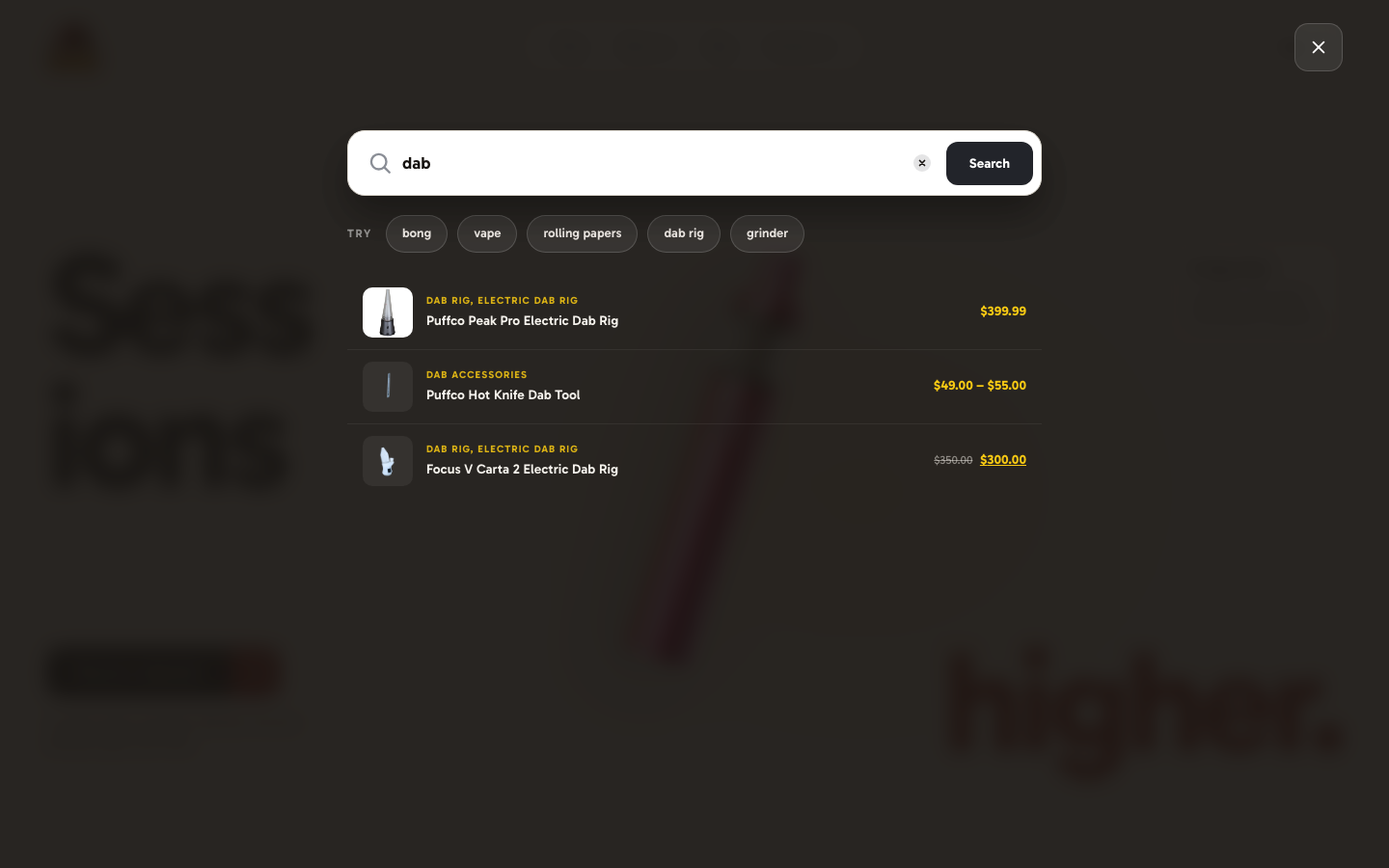
Backend: dankcave_search_suggest AJAX endpoint.
Cart drawer with cross-sells
template-parts/cart/drawer.php — slides in from the right on cart click or after any WC AJAX add-to-cart.
Cross-sell rail ("Complete the set") — pulls from WC cross-sell IDs of items in the cart, falls back to same-category popular products. Each has a + quick-add button.
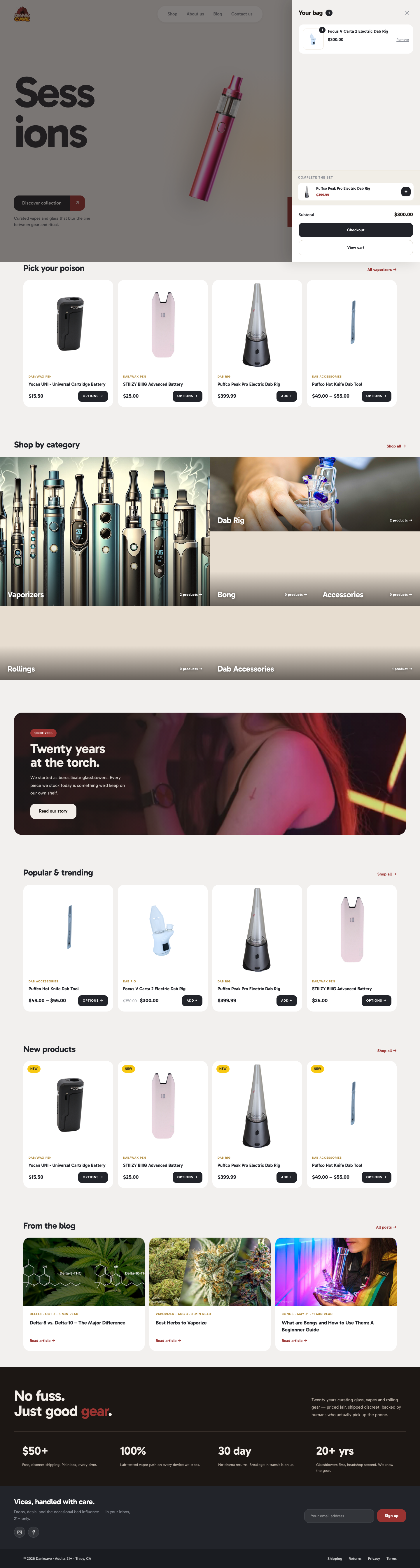
Backend: dankcave_cart_crosssells AJAX endpoint.
QuickView modal
Opened from any product-card's eye icon. Shows a compact preview: image, categories, title, price, short description, stock, quantity, add-to-cart, "View full details →" link. Supports both simple and variable products.
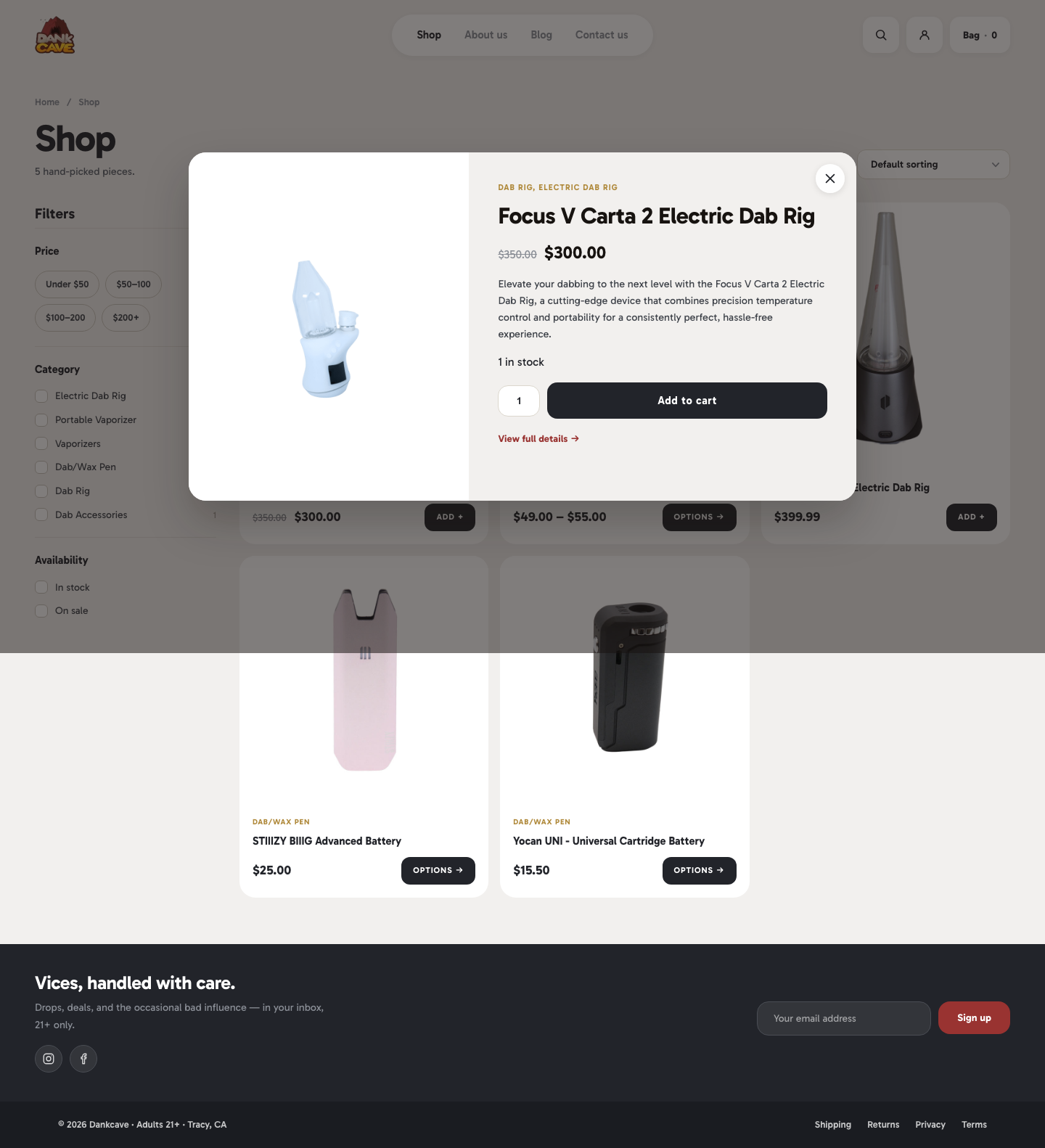
Backend: dankcave_quickview AJAX endpoint.
Wishlist
- Storage: localStorage
dc-wishlist(array of product IDs) - Trigger: heart icon on product cards
- Rendering:
/my-account/wishlist/— the theme registers this as a custom WC endpoint. The page reads localStorage on load, hitsdankcave_wishlist_cardsAJAX to render the same product-card component as the shop archive.
Compare
- Storage: localStorage
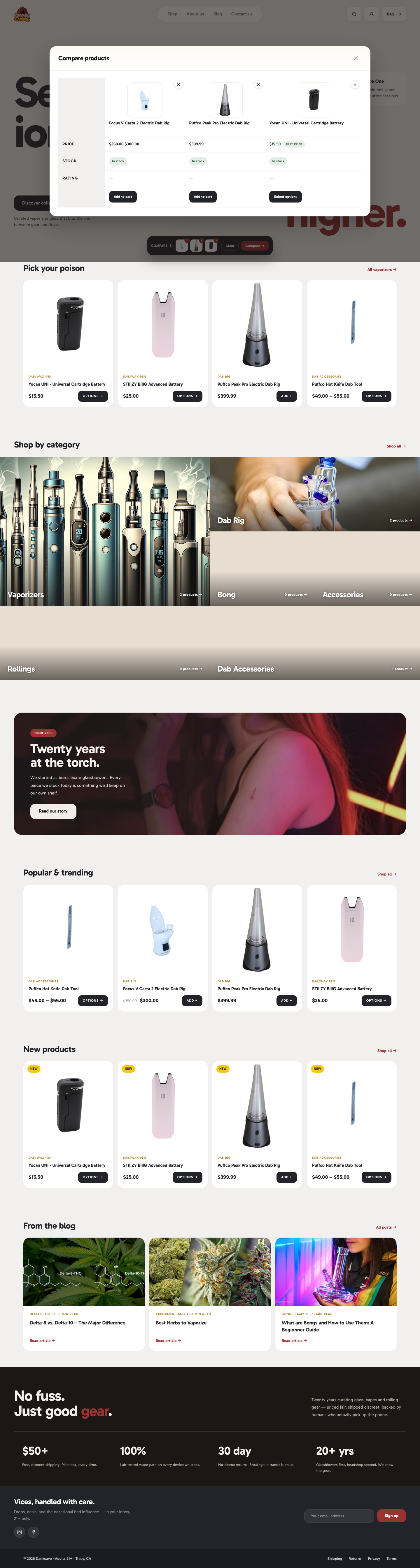
dc-compare(max 4 IDs) - Trigger: compare icon on product cards
- UI:
- Floating tray at the bottom of the viewport — thumbnails + "Compare →" button
- Modal — side-by-side attribute table with per-column remove, "best price" flag on the lowest-priced in-stock item
Backends: dankcave_compare_thumbs + dankcave_compare_table AJAX endpoints.
Recently viewed
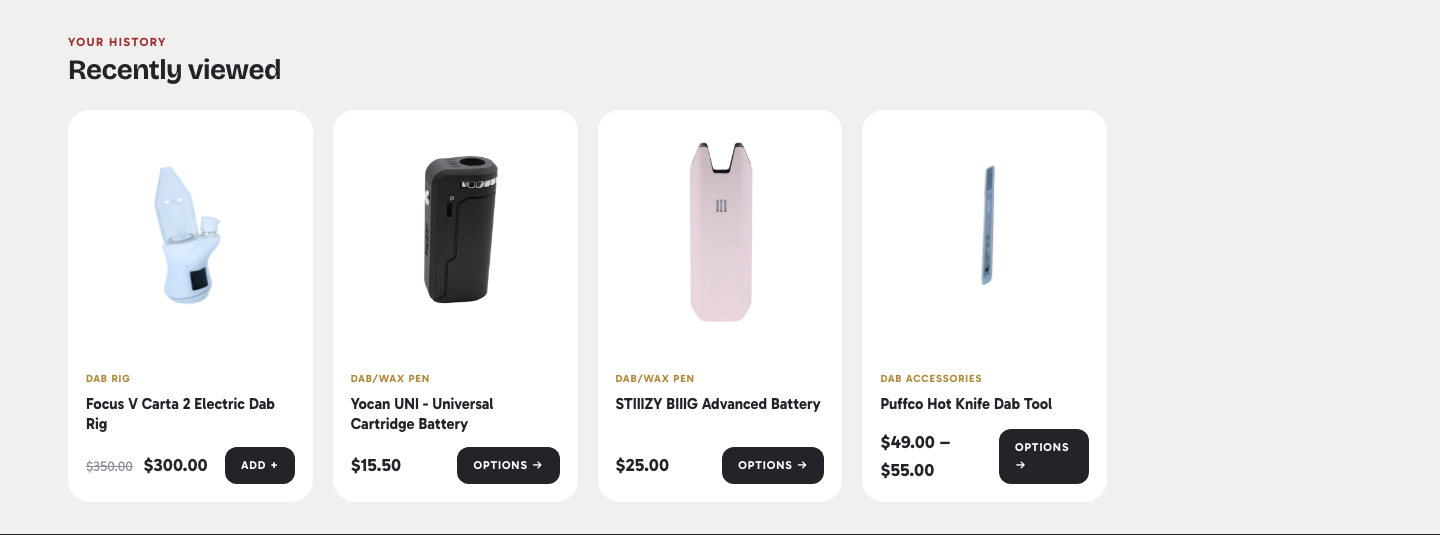
inc/recently-viewed.php — every PDP visit records the product ID in localStorage (dc-recently, cap 8 items). PDP shows a carousel below related products, populated via dankcave_recently_viewed AJAX. Section hides entirely when the visitor has fewer than 2 saved items (after excluding the current product).
PDP image hover-zoom
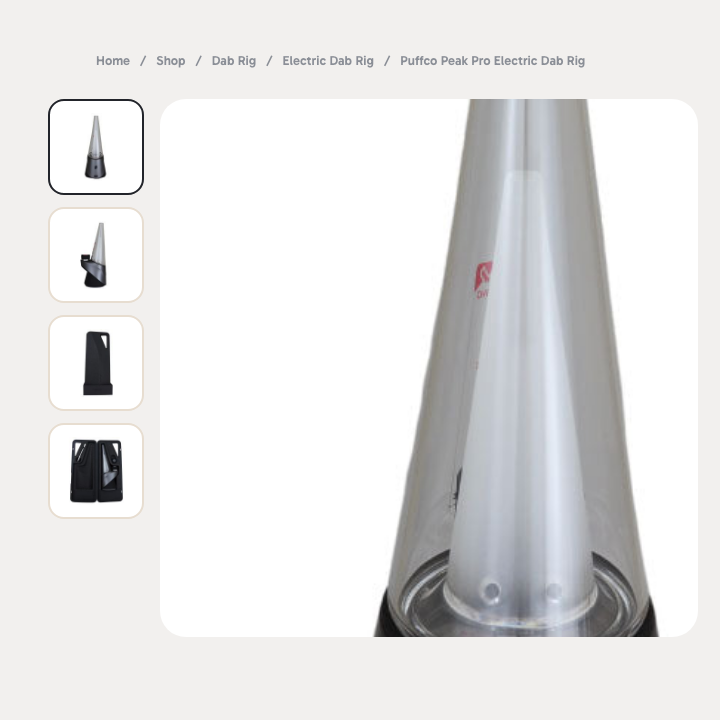
Hover over the PDP main image to reveal a 220% magnification tracking the cursor position. Uses background-image + background-position on the hero container. Disabled on touch devices.
Maintenance mode
inc/maintenance.php + template-parts/maintenance-splash.php — see Maintenance mode for the full walkthrough.
GA4 e-commerce dataLayer events
assets/js/theme.js pushes to window.dataLayer:
view_item— on PDP loadadd_to_cart— on WC AJAX addremove_from_cart— on WC AJAX removeadd_to_wishlist/remove_from_wishlist— on heart-icon togglesearch— on search form submitpurchase— on order-received page
Works with any GA4 / GTM container — no theme-side keys or IDs. Configure GA4 via Site Kit or GTM as normal.